 Findie
Detached by design
The daemon owns the shell, not the window. Quit the app mid-run; the agent's session keeps executing and logging.
Findie's PTY daemon owns every agent session, not the window. Close the app, restart the machine, come back: nothing you saw scrolls away.
Terminals in most AI tools are widgets: close the tab, lose the shell. Findie runs a detached daemon that keeps the real PTY alive underneath everything.
The daemon owns the shell, not the window. Quit the app mid-run; the agent's session keeps executing and logging.
Come back on desktop, in the browser, or from your phone over an encrypted relay. Scrollback, cursor and history are exactly where you left them.
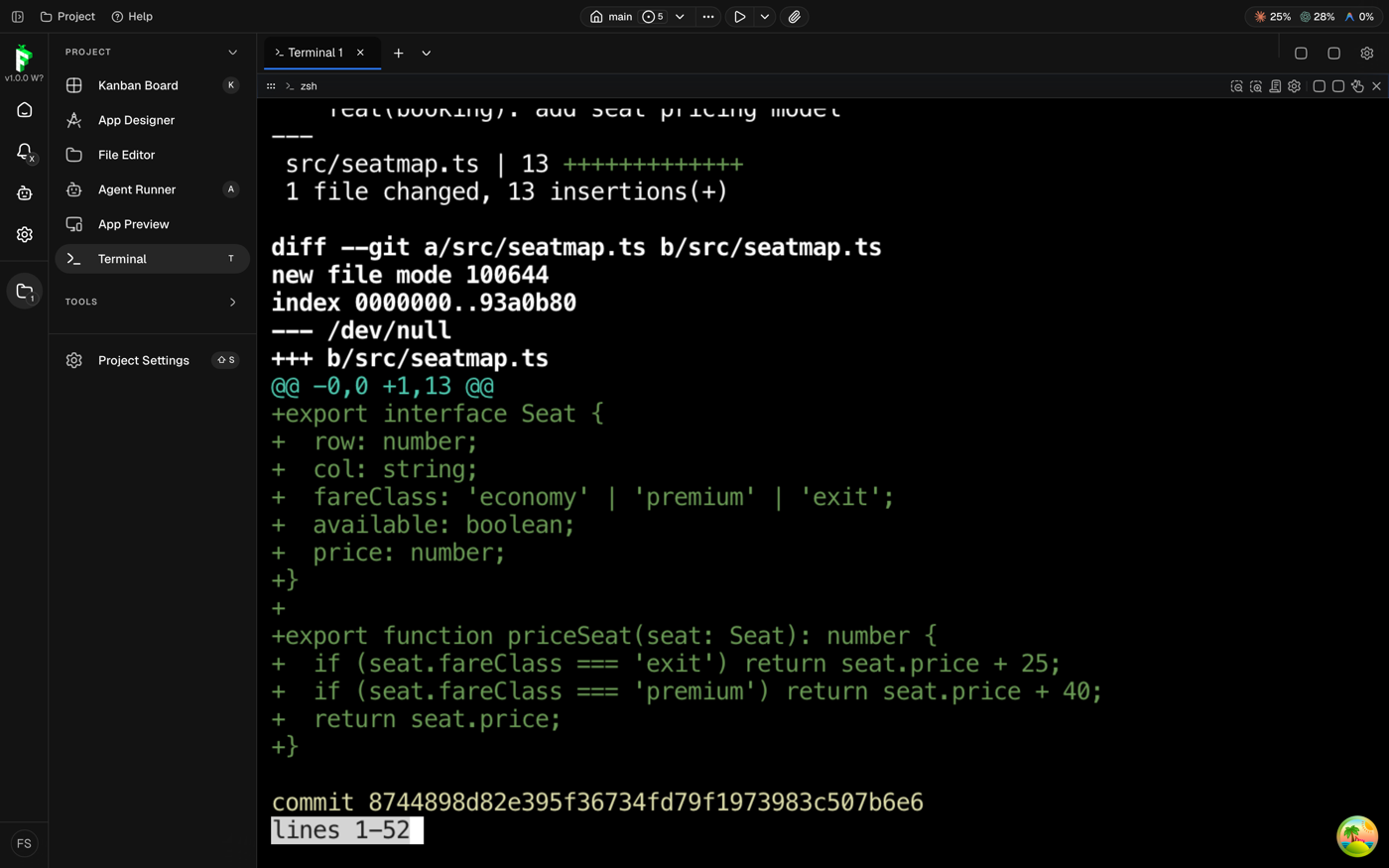
Watch agents run builds, tests and git operations in real time. Prompts are marked with OSC 133, and exit codes come from durable probes, not guesses.
This is Findie's terminal view: your shell, your rc files, your colors. Agents type into it; you can too.
Findie runs on your machine, against your repos, with your model subscriptions.